Wireless Keyboard Price in Pakistan
Shop a wireless keyboard at Shopping Jin for laptops and gaming setups. Choose standalone boards and keyboard-and-mouse combos from Logitech and A4Tech, alongside ASUS ROG mechanical models. Compare Bluetooth and 2.4GHz connectivity, layouts, and battery options before ordering.
Logitech Wireless Keyboards and Combos
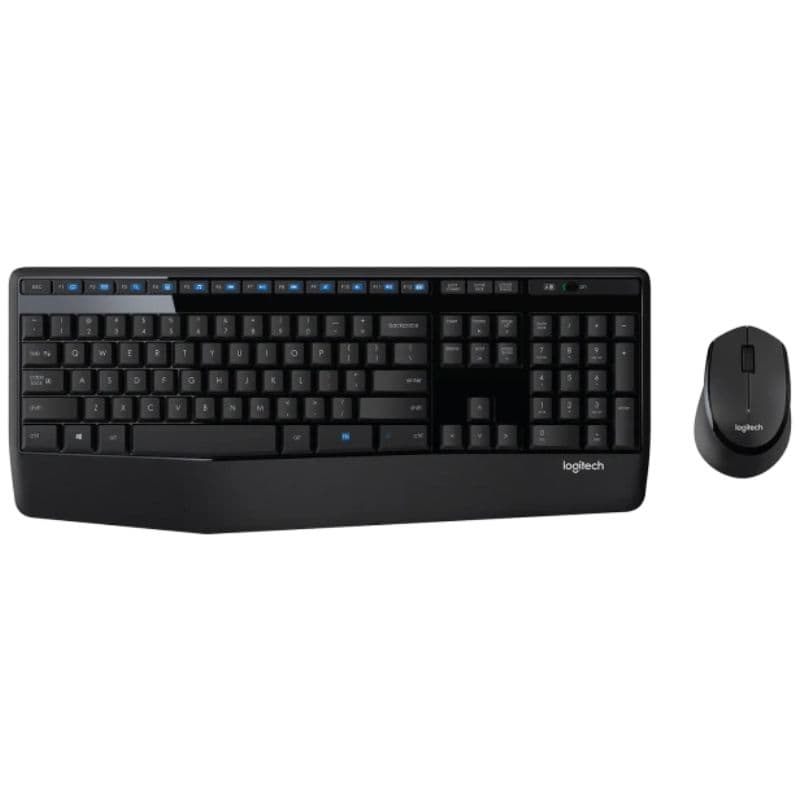
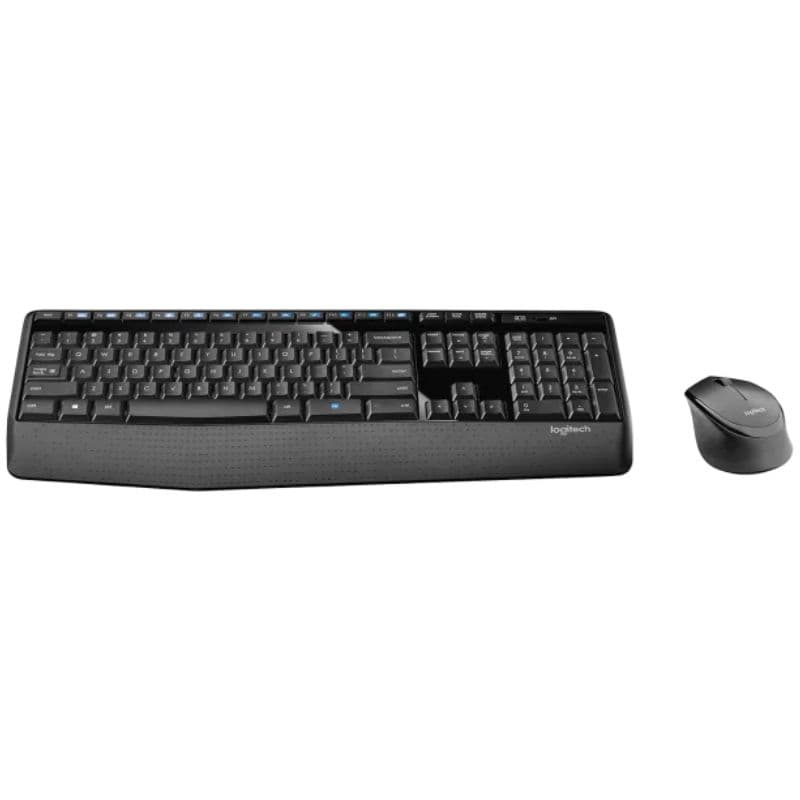
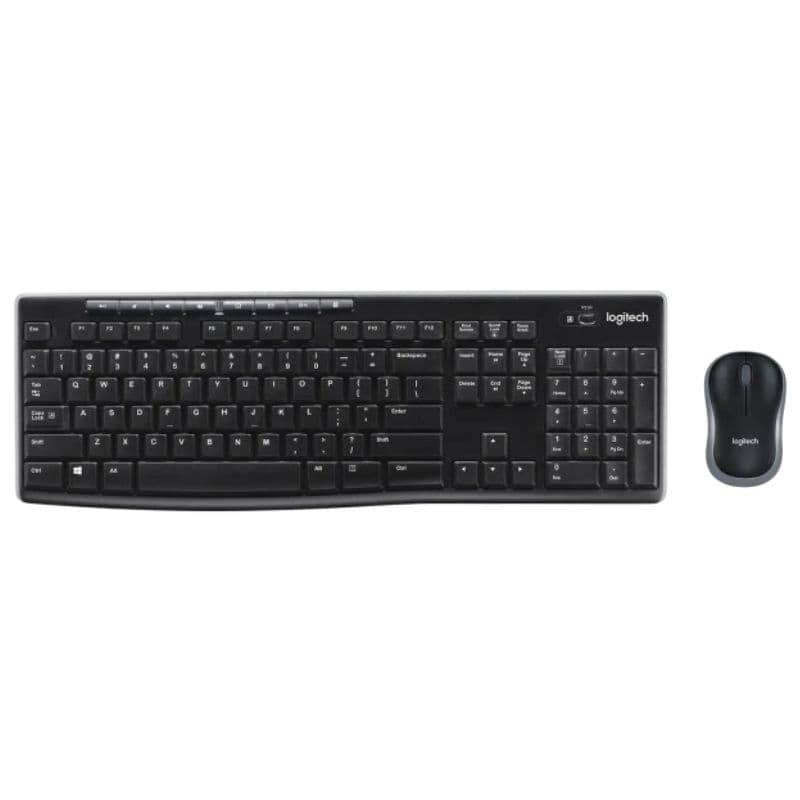
Logitech MK345: Comfort Wireless Combo
At Rs 7,999 (previously Rs 8,450), this full-size combo includes an optical mouse, palm rest, adjustable tilt legs, number pad, music controls, and a spill-resistant design.
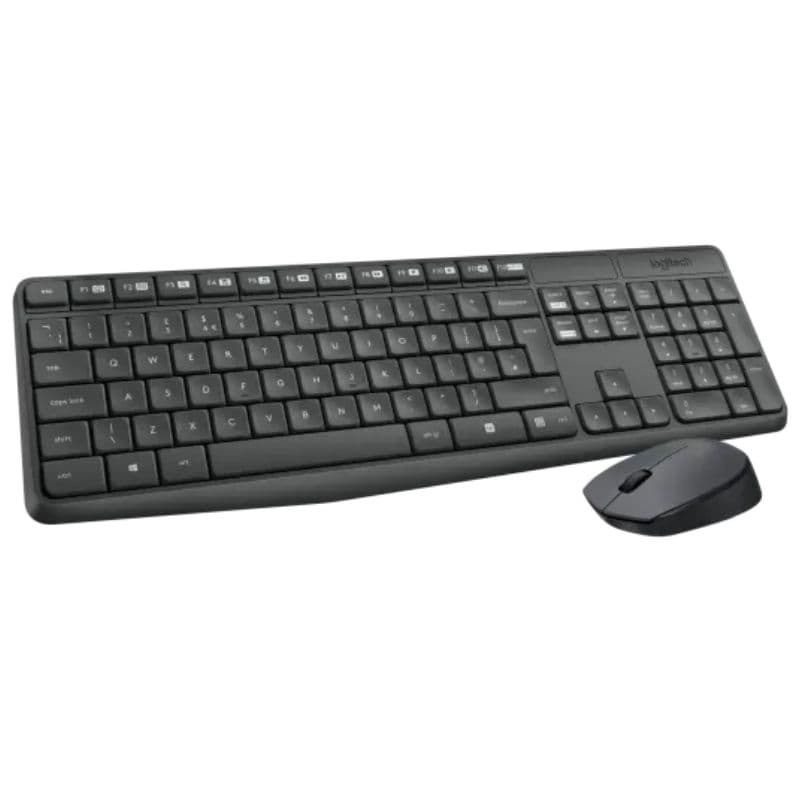
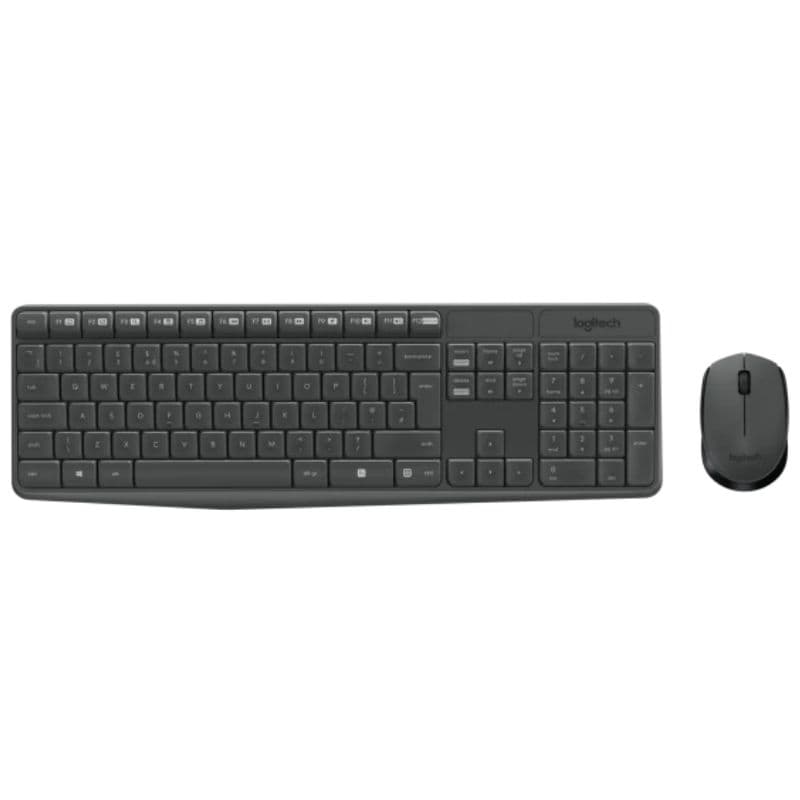
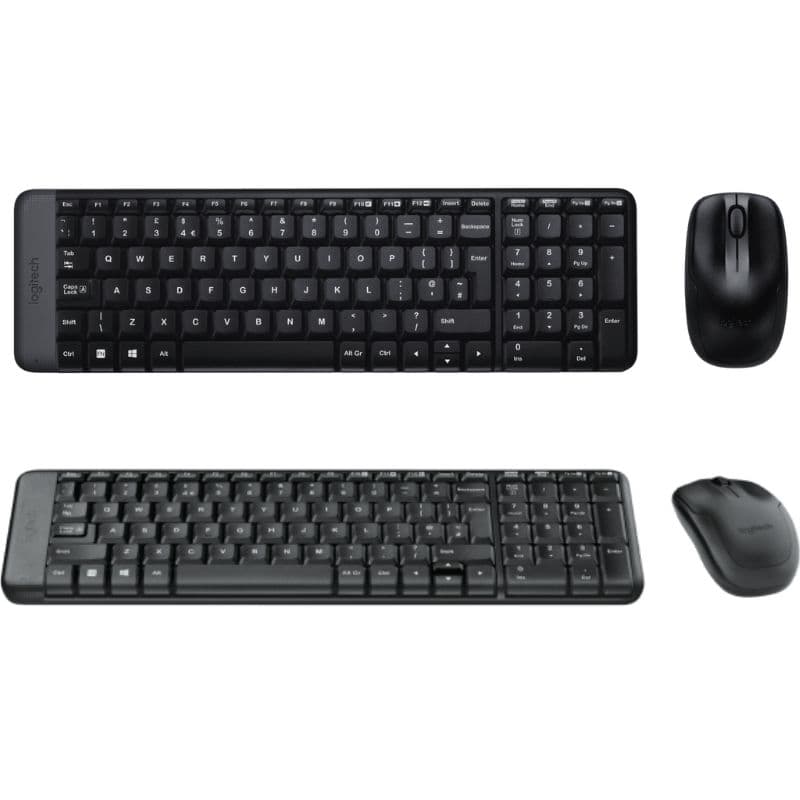
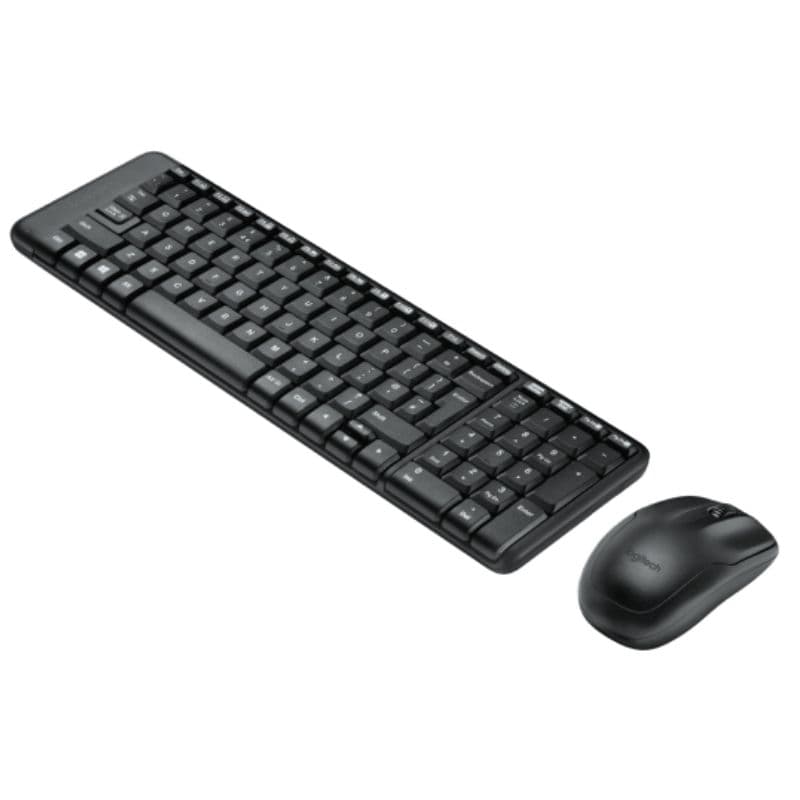
Logitech MK270R: Full-Size Wireless Combo
At Rs 6,699 (previously Rs 7,499), the MK270R features a full-size keyboard with a number pad, 8 multimedia keys, and a compact ambidextrous mouse. The 2.4GHz USB receiver offers a 10-metre range.
Logitech K270: Standalone Wireless Keyboard
At Rs 6,099, the K270 offers a full-size layout, number pad, and 8 multimedia hotkeys. Its 2.4GHz receiver has a 10-metre range, while the spill-resistant design and 24-month battery life make it reliable for daily typing.
A4Tech Wireless Keyboards and Combos
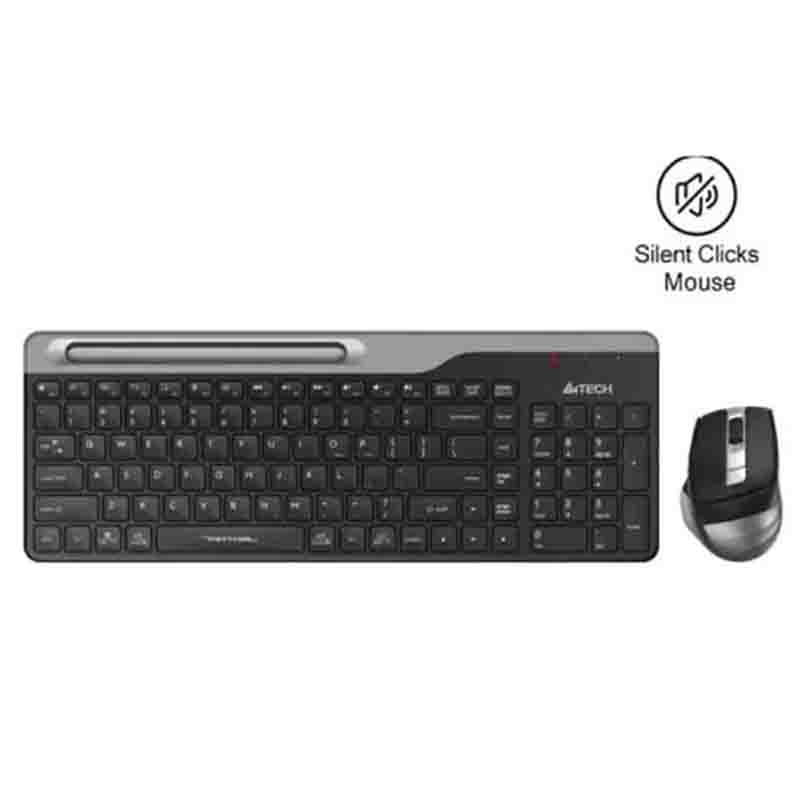
A4Tech FBX50C: Multi-Device Keyboard
At Rs 8,399, the FBX50C supports Bluetooth and 2.4GHz. Its scissor switches, 300mAh rechargeable battery, and USB-C charging suit everyday use. Switch between four paired devices (three Bluetooth, one USB receiver).
A4Tech Wireless Combos
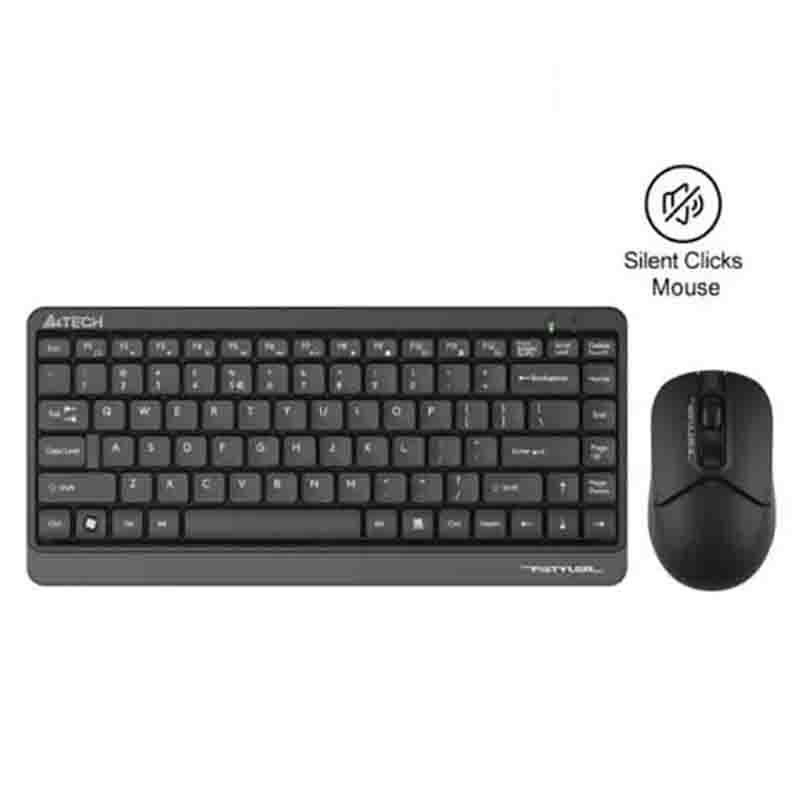
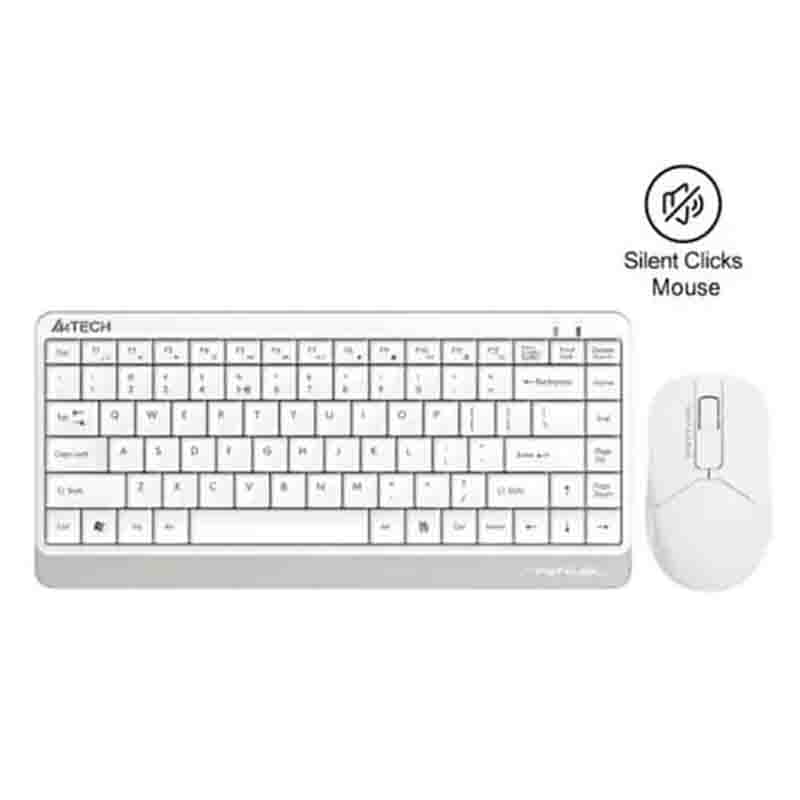
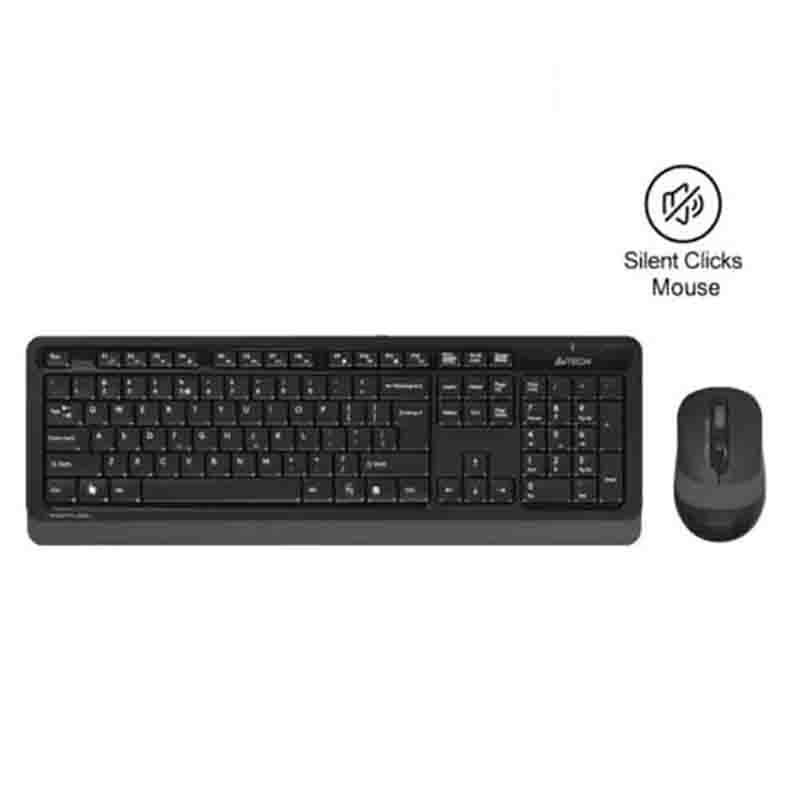
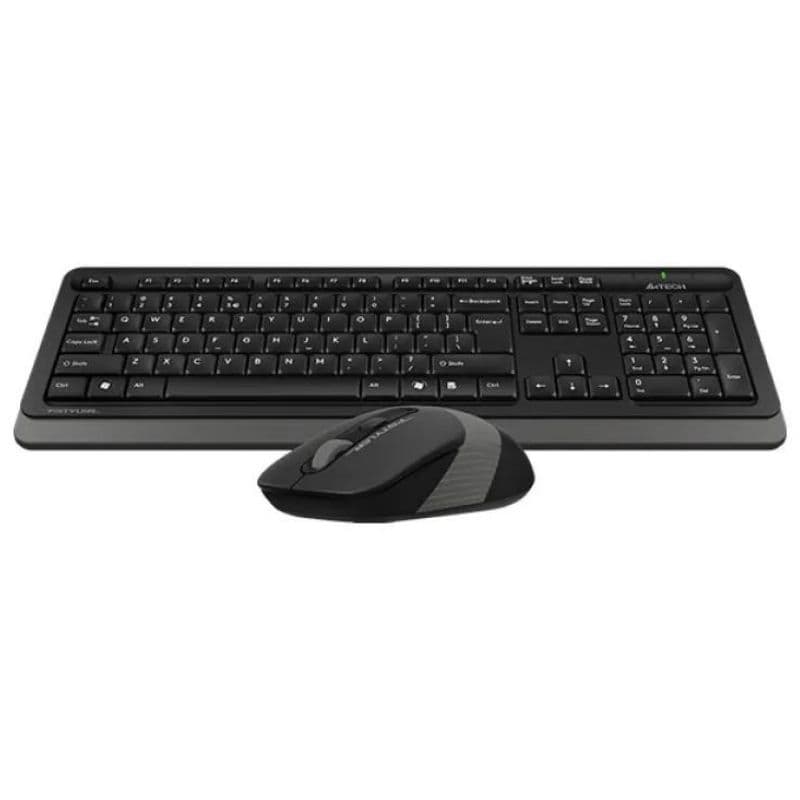
The FG1112S includes a compact keyboard, optical mouse, 12 function hotkeys, and a splash-resistant surface. The FG1010S offers a full-size keyboard and 1000/1600/2000 DPI mouse. Both use a shared 2.4GHz nano receiver.
ASUS ROG Wireless Gaming Keyboard
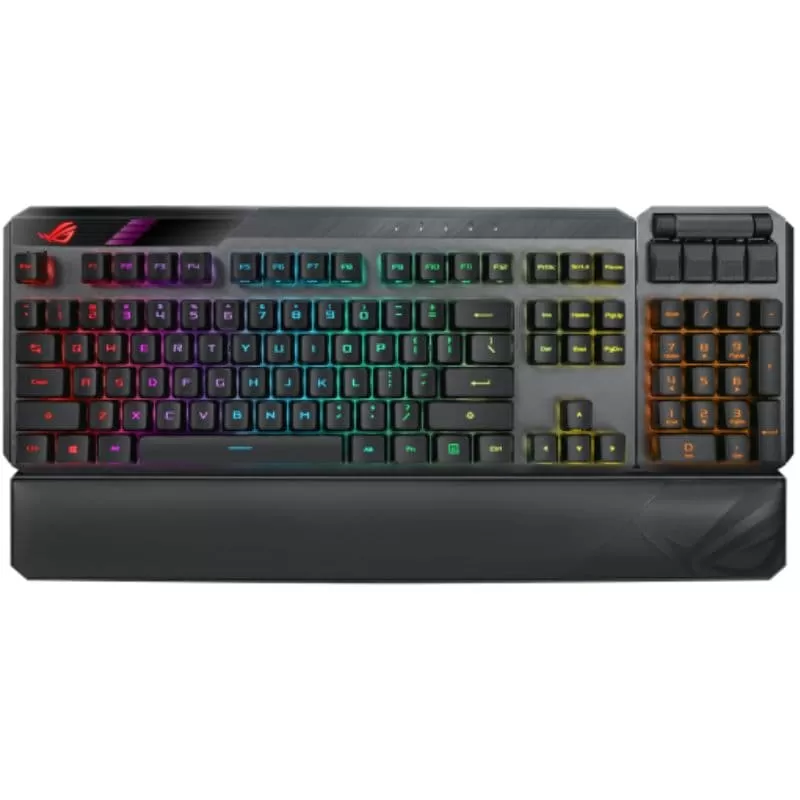
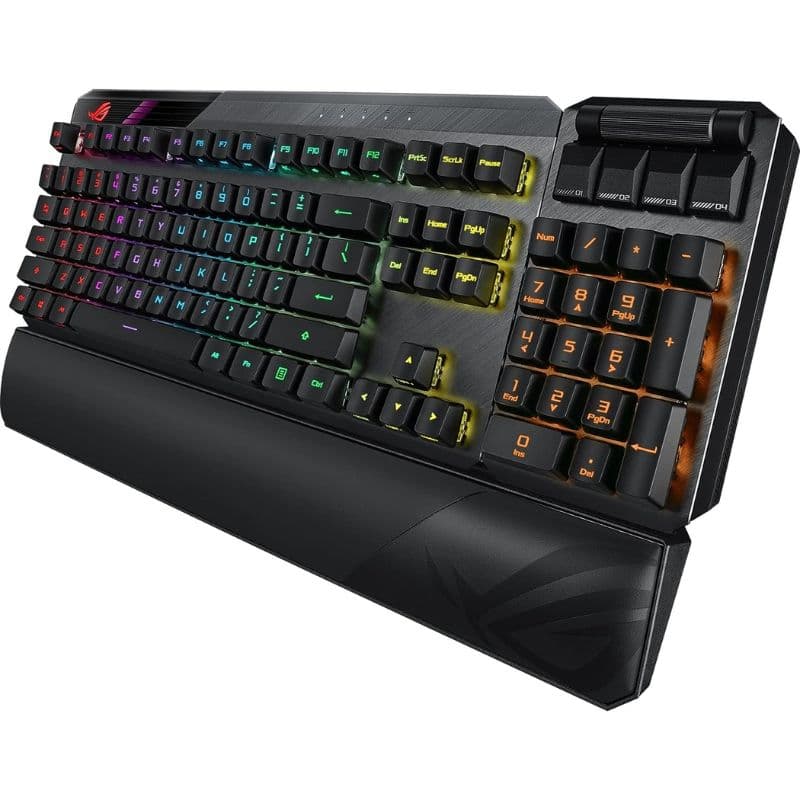
ASUS ROG Claymore II
At Rs 69,799, the Claymore II features ROG RX optical mechanical switches, per-key RGB lighting, and a detachable numeric keypad. It supports 2.4GHz wireless and wired USB connections.
Wireless Keyboard Price in Pakistan
Prices vary by type, connectivity, and features. Compare standalone boards, combos, and mechanical gaming models at Shopping Jin. Check individual listings for stock and warranty.
Shop Wireless Keyboards at Shopping Jin
Compare connection types above. Browse our Wireless Mouse category or check Computer Monitors. Order online with delivery across Lahore, Karachi, and Islamabad.
FAQs
How do I connect a wireless keyboard to my laptop?
For 2.4GHz models, plug in the USB receiver, add batteries, and switch it on. For Bluetooth, activate pairing mode and select the keyboard in your laptop settings.
Can a wireless keyboard work without a USB receiver?
Yes, if it supports Bluetooth. Pair it directly through your device. A 2.4GHz receiver-only keyboard requires its compatible dongle.
Can one USB receiver connect both a keyboard and mouse?
Yes, compatible combos share one receiver. The A4Tech FG1112S connects both devices through one nano USB receiver.
Why does my wireless keyboard keep disconnecting?
Check batteries and power. Move the receiver closer and avoid USB 3.0 ports, which can interfere with 2.4GHz signals and cause missed keystrokes.
Can a wireless keyboard connect to multiple devices?
Yes. The A4Tech FBX50C remembers four connections (three Bluetooth, one 2.4GHz) and lets you switch via its selection controls.











 Air Conditioner
 Air Cooler
 Fan
 Geyser
 Heater
 LCD TV
 Stabilizer
 UPS Inverter
 Vacuum Cleaner
 Water Dispenser
 Weight scale
 Washing Machine
 Spinner
 Iron
 Garment Steamer
 Fabric Shaver
 Air Purifier
 Coffee Machine
 Dehumidifier
 Electric Heater
 Insect Killer
 Fan Heater
 Torch Light
 Water Heater Tap
 Water Filter and Purifier
 Water Cooler
 QLED TV
 Refrigerator
 Deep Freezer
 Oven
 Sandwich Maker
 Toaster
 Electric Kettle
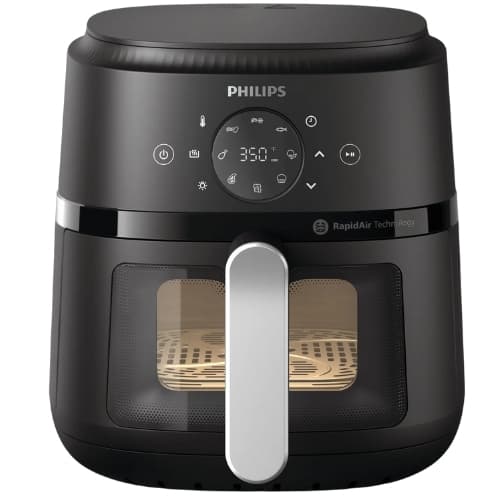 Air Fryer
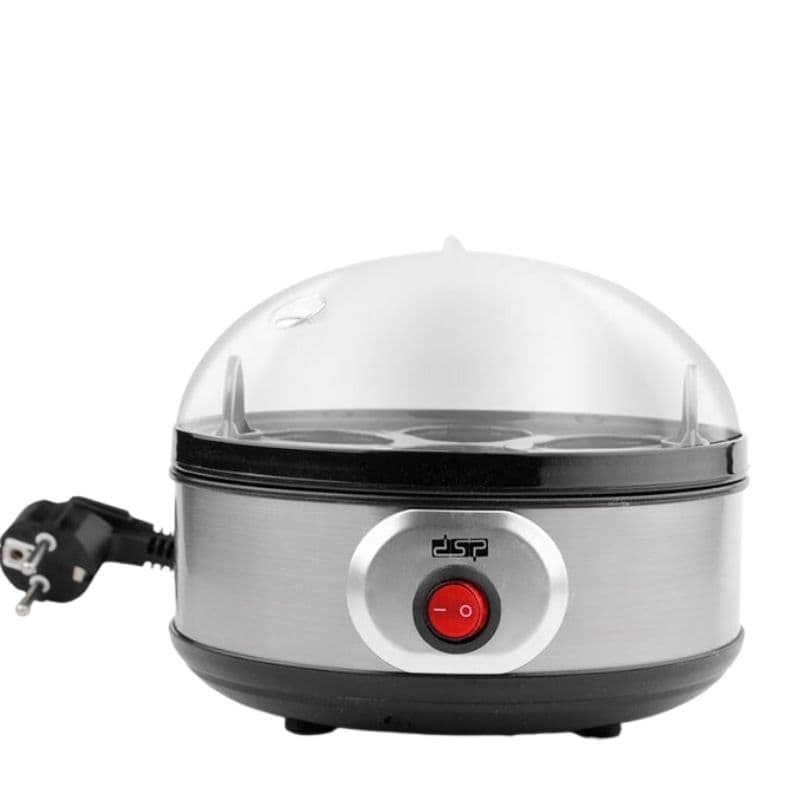 Egg Boiler
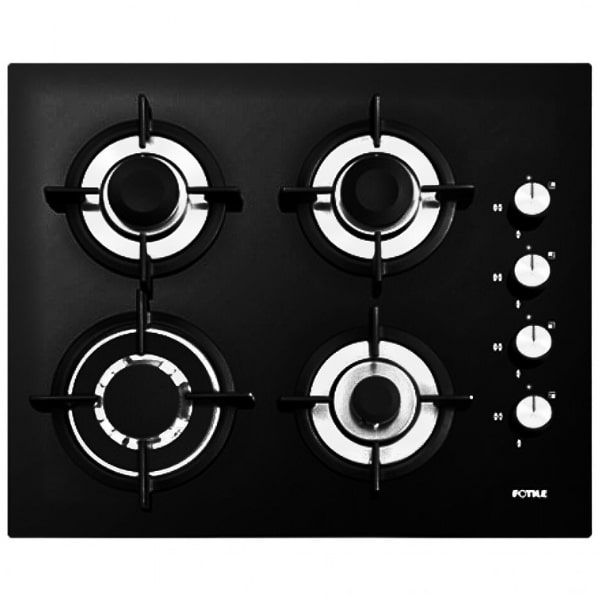
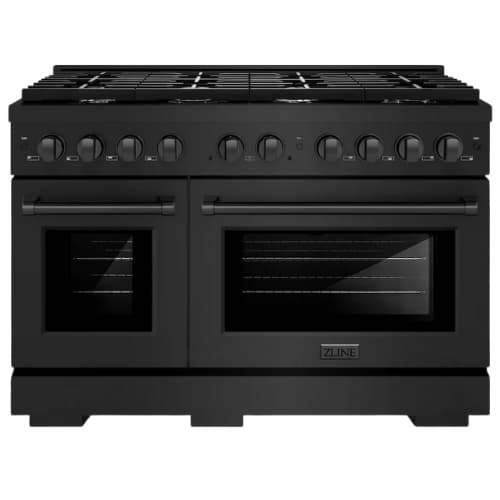 Cooking Range
 Kitechen Hood
 Hobs
 Gas Stove
 Hot Plate
 Electric Grill
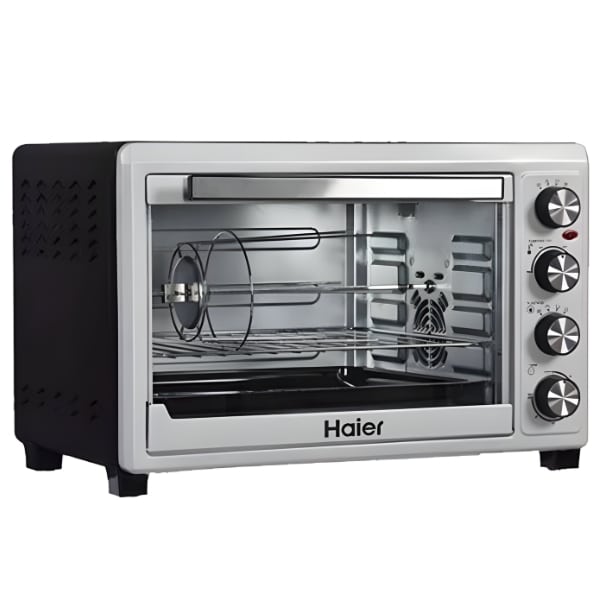 Grill Oven
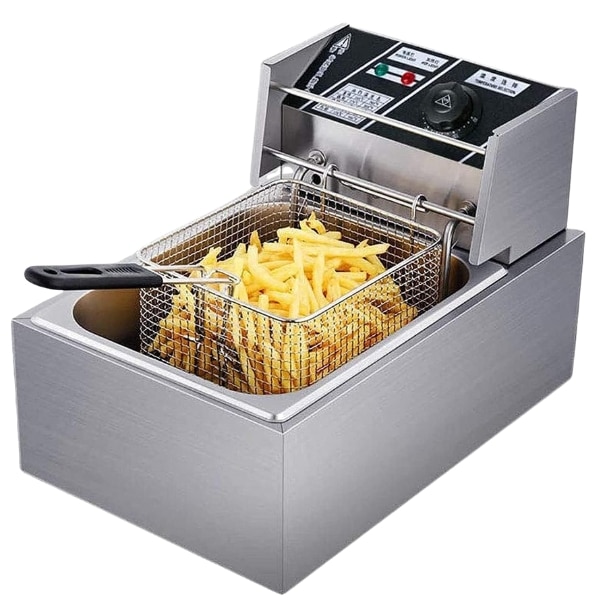 Fryer
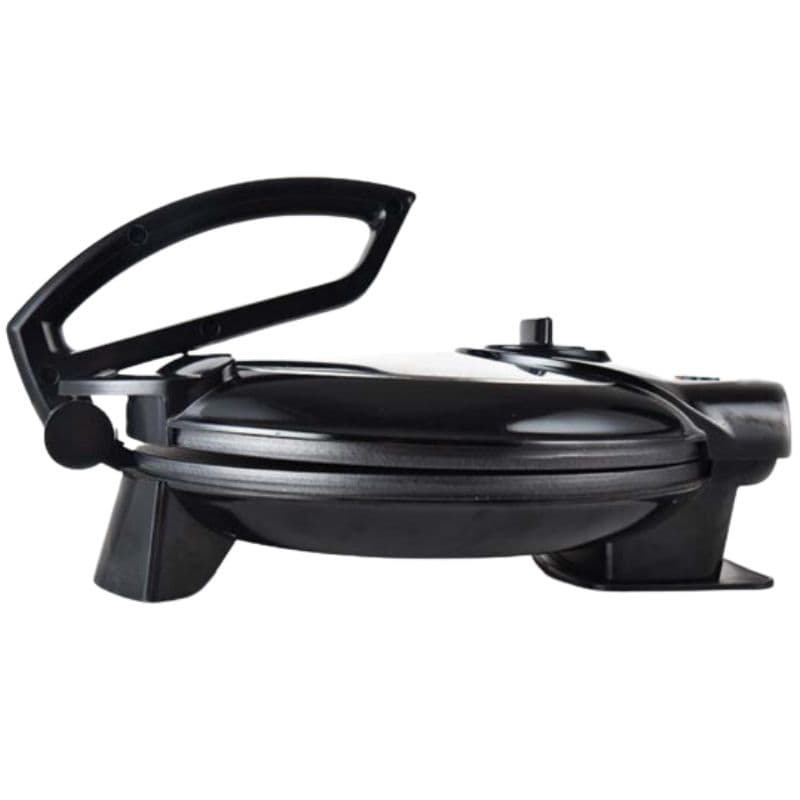 Roti Maker
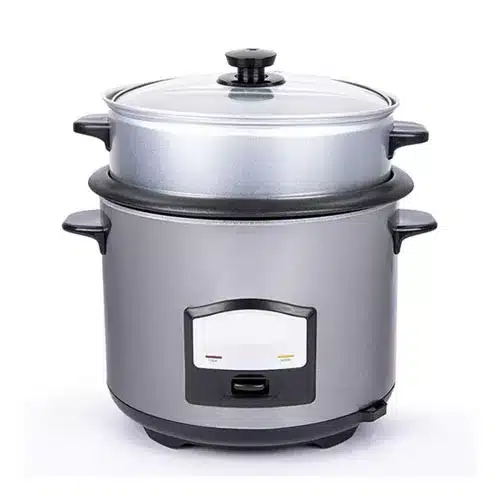 Rice Cooker
 Induction Cooker
 Cotton Candy Machine
 Grinder
 Chopper
 Juicer Machine
 Blender
 Meat Mincer
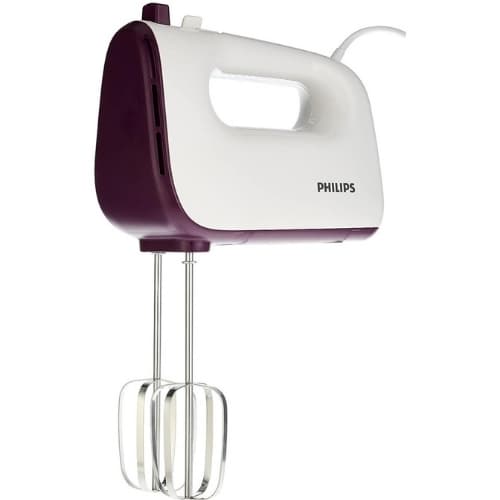 Egg Beater
 Spiralizer
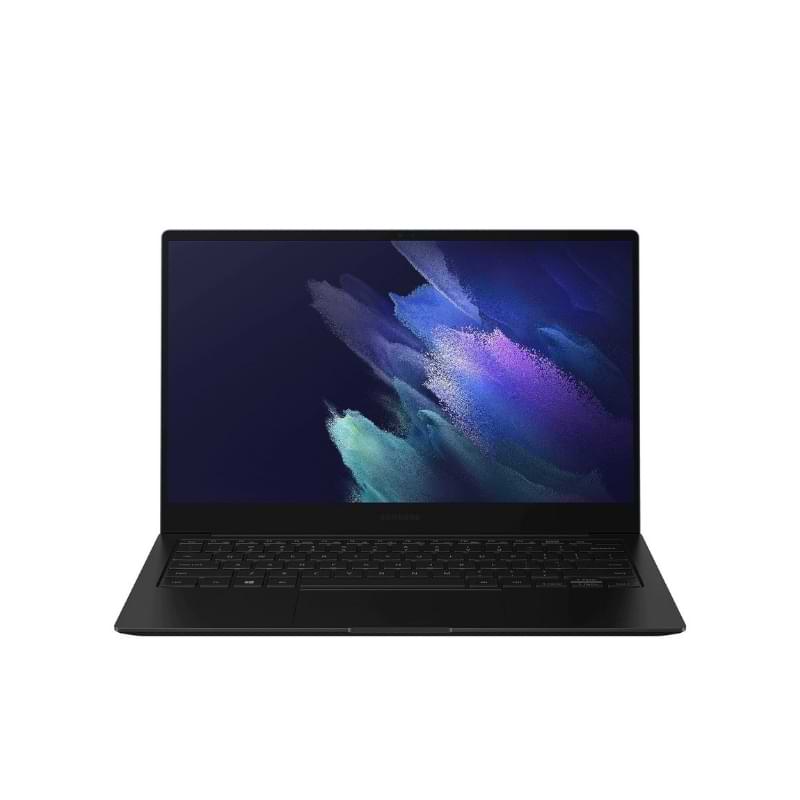 Laptop
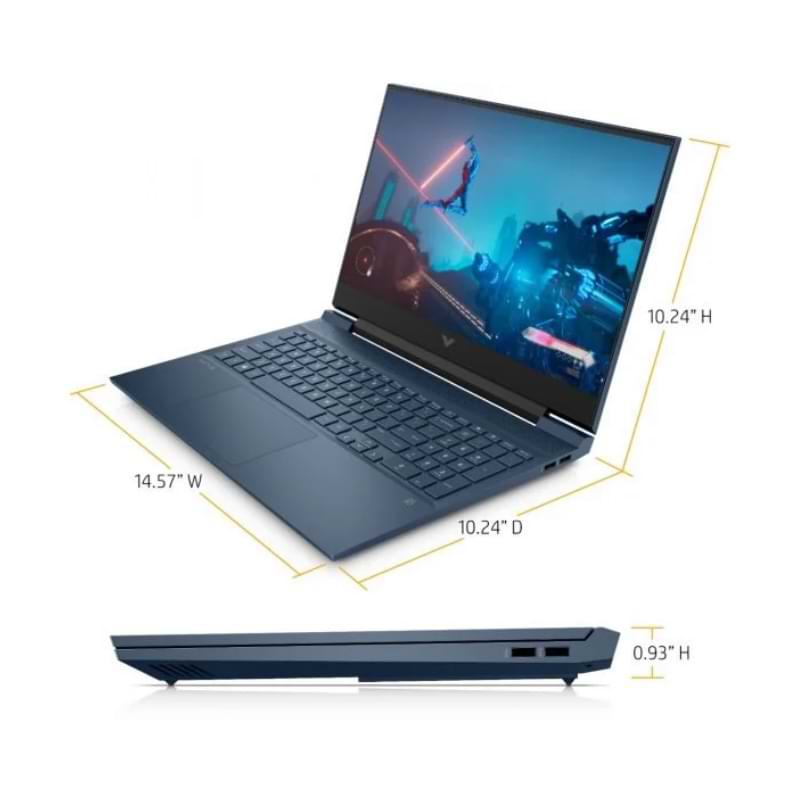 Notebook Laptop
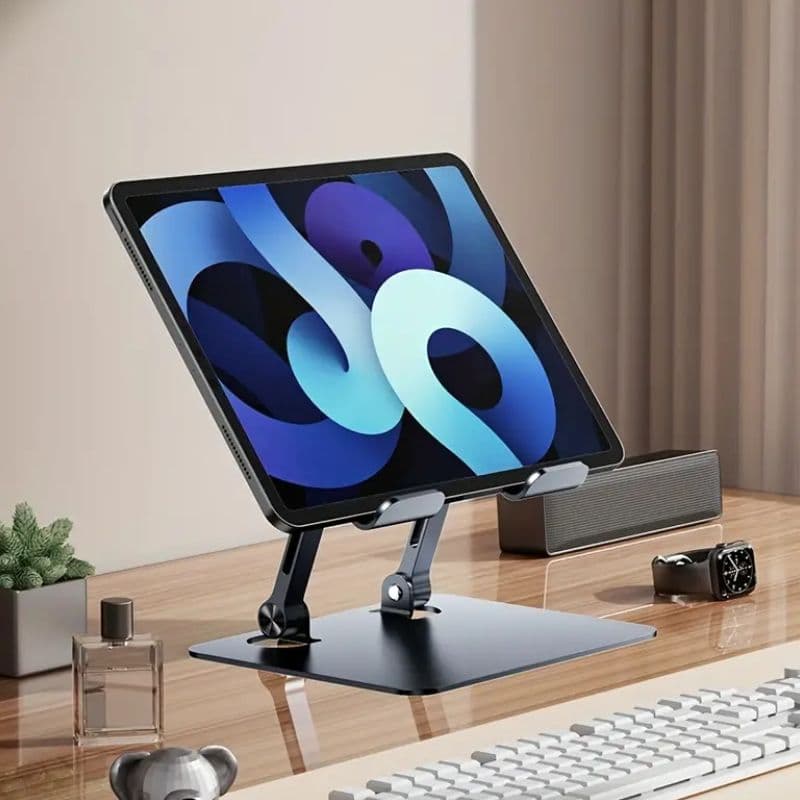 Tablet PC
 Printer
 Headphone
 Sound System
 Android Mobile
 Apple Mobile
 Earbuds
 Gaming Console
 Gaming Laptop
 Gaming Chair
 Graphic Card
 Drone Camera
 DSLR Camera
 Digital Camera
 Massager
 Facial Kit
 Blackhead Remover
 Epilator
 Wax Heater
 Hair Trimmer
 Hair Straightener
 Hair Curler
 Hair Dryer
 IPL Hair Remover
