Wireless Mouse Price in Pakistan
A wired mouse snagging on your desk is annoying. A wireless mouse gives you a clean setup and freedom to work. Shopping Jin stocks A4Tech, Logitech, HP, and Acer, ranging from budget basics to high-precision tools. Prices start near Rs 1,200 and reach Rs 29,799 for premium models.
A4Tech vs. Logitech: Which is Right for You?
- Choose A4Tech for the best value, silent clicks, and a good local warranty. Be aware the build feels plasticky, and switches may wear out after a year of heavy use.
- Choose Logitech for premium build quality, longer lifespan, and better ergonomics. You pay more, but it is a better long-term investment.
Top Wireless Mice at Shopping Jin
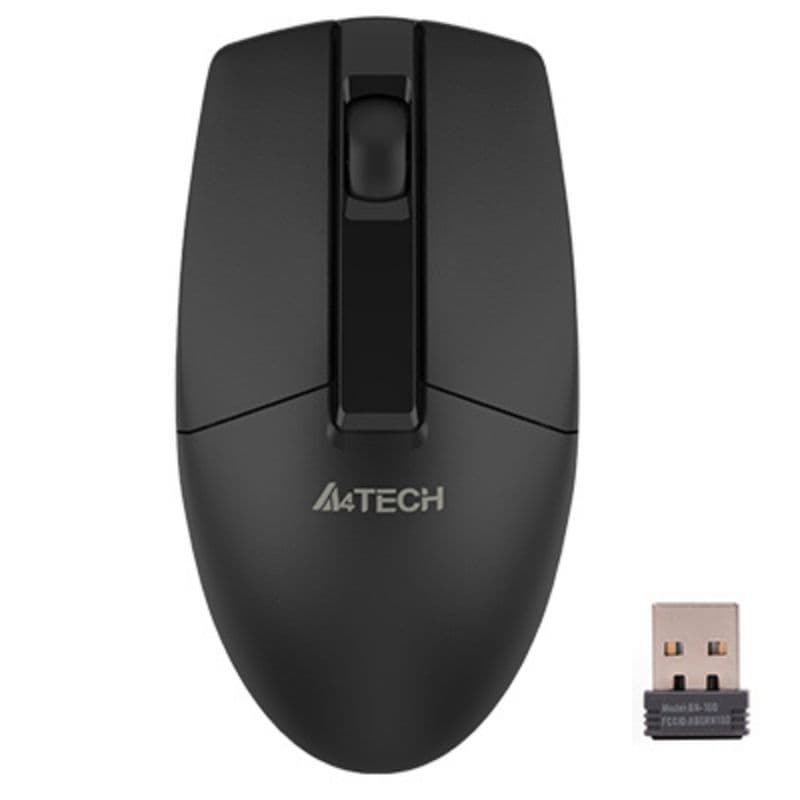
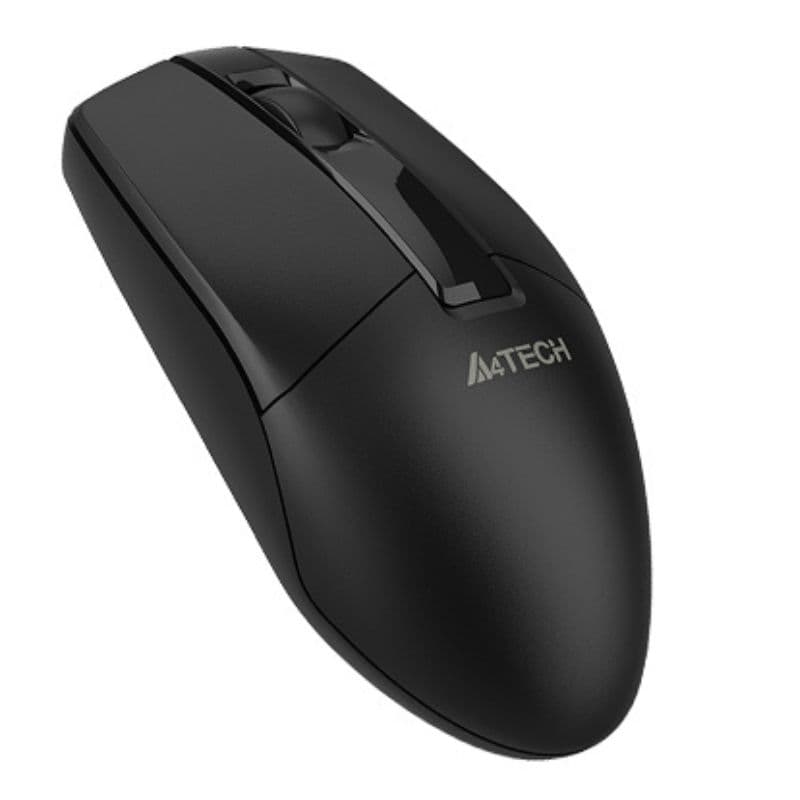
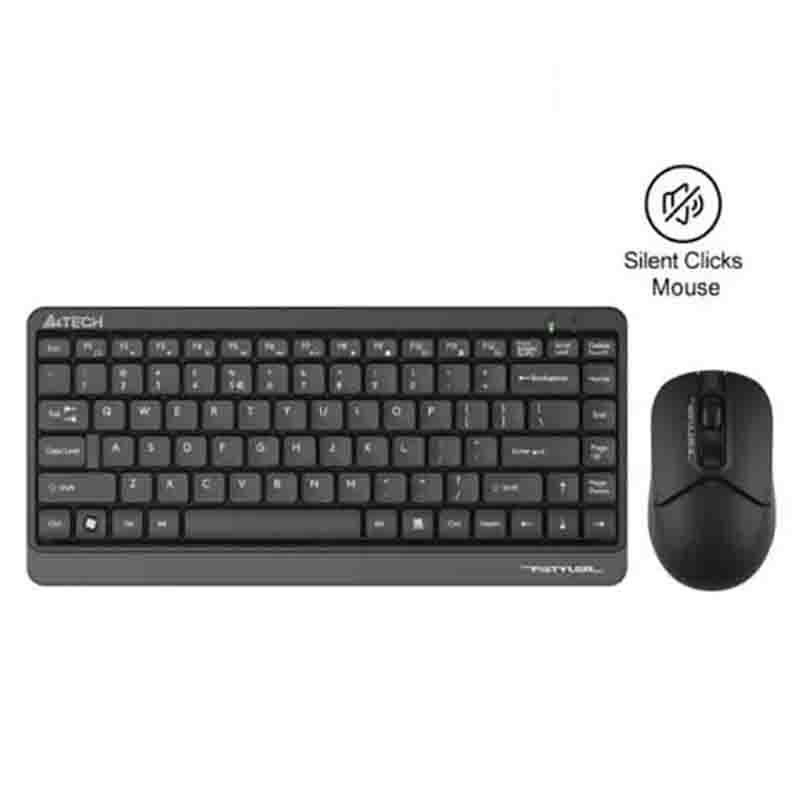
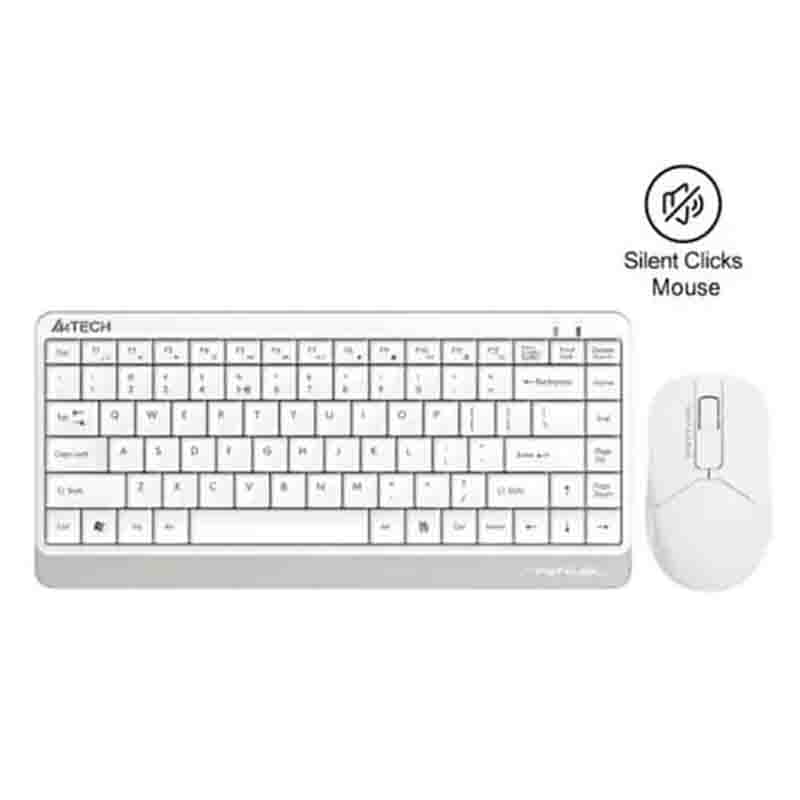
A4Tech G3-330NS: Best Budget Silent Mouse
At Rs 2,650, this is a budget workhorse. It features silent clicks, a 1200 DPI sensor, and up to 12 months of battery life on a single AA battery. It uses a stable 2.4GHz USB receiver with a 10–15 metre range.
Logitech M331 Silent Plus: Best for Quiet Offices
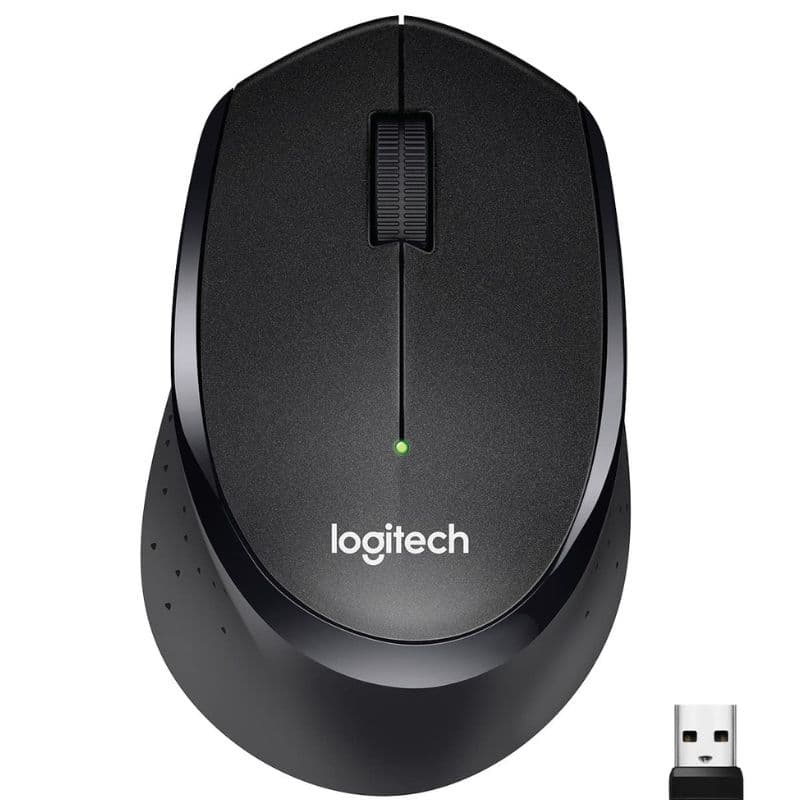
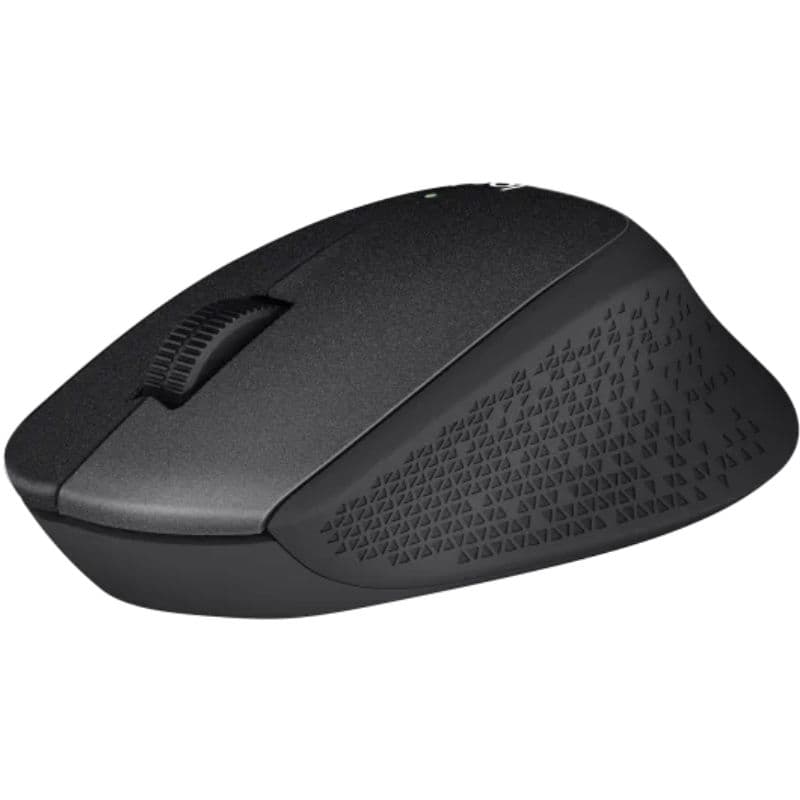
Priced at Rs 4,499, it reduces clicking noise by over 90% without losing tactile feedback. It has a right-handed ergonomic shape, a 1000 DPI sensor, and connects via 2.4GHz USB receiver.
Logitech M171: Best for Everyday Computing
A dependable, ambidextrous mouse at Rs 3,349. It features a 1000 DPI optical sensor, runs for 12 months on one AA battery, and uses a plug-and-play 2.4GHz USB receiver.
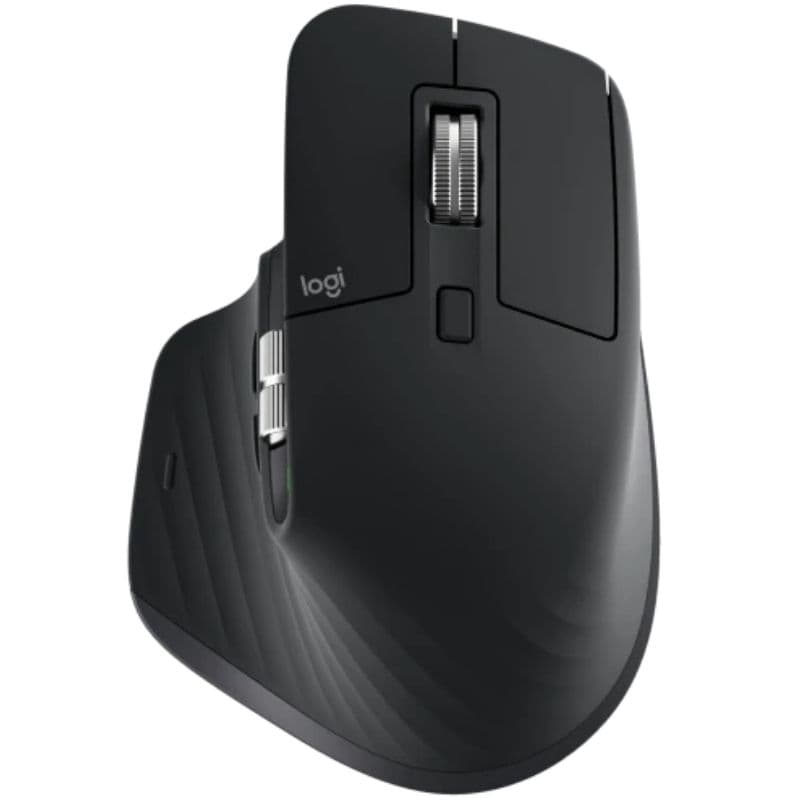
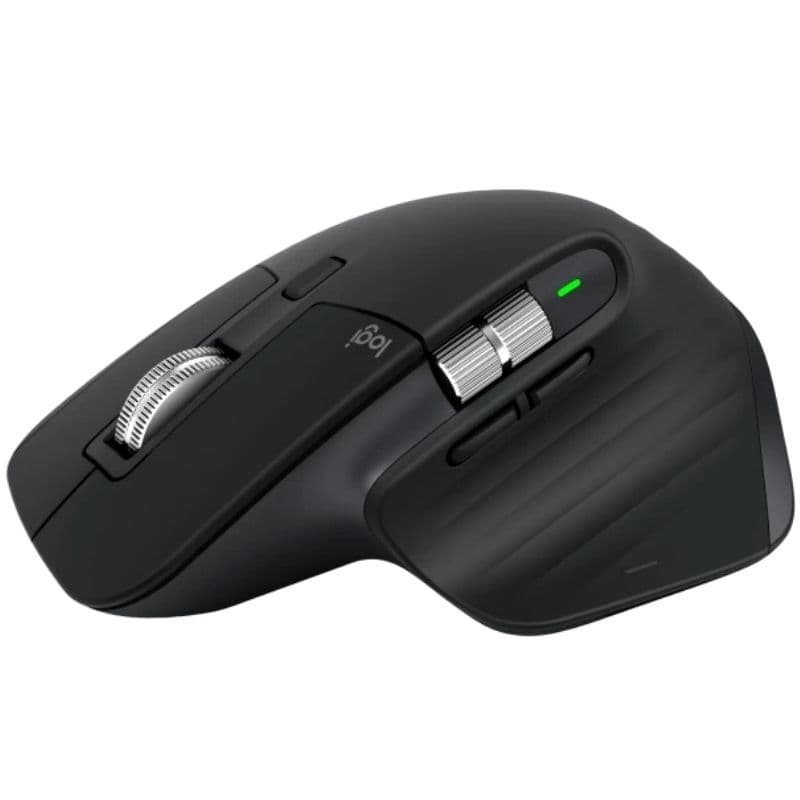
Logitech MX Master 3S: Best for Precision
For design and heavy multitasking, this premium model costs Rs 29,799. It offers an adjustable 200–8000 DPI sensor, 7 customizable buttons, and MagSpeed scrolling. It connects via Bluetooth or a 2.4GHz receiver and provides up to 70 days of battery life.
2.4GHz vs Bluetooth: Which Do You Need?
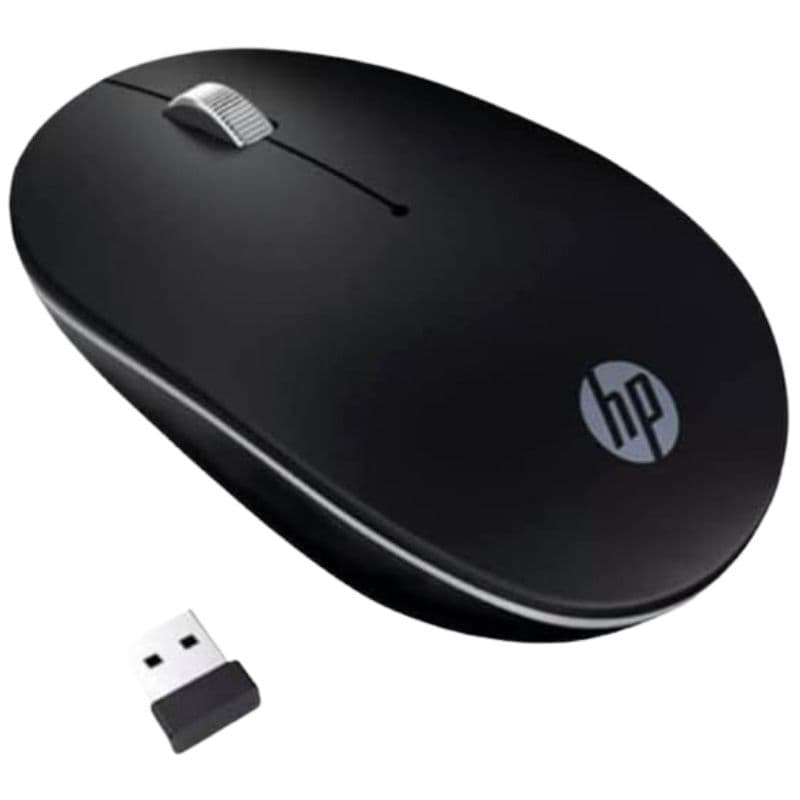
A 2.4GHz mouse uses a USB receiver for a stable, lag-free connection. A Bluetooth mouse (like the MX Master 3S) pairs directly to your laptop, saving a USB port—ideal for thin laptops.
Wireless Mouse Price in Pakistan
Wireless mouse prices in Pakistan range from Rs 1,200 to Rs 29,799. Mid-range silent options sit between Rs 2,650 and Rs 4,499. Check individual listings for current stock and warranty.
Shop Wireless Mice at Shopping Jin
Pick the one that fits your workflow. Complete your setup with computer keyboards or check out computer monitors. Delivery is available across Lahore, Karachi, Islamabad, and Multan.
FAQs
What is the difference between a Bluetooth and a 2.4GHz mouse?
A 2.4GHz mouse uses a USB receiver. A Bluetooth mouse pairs directly to your device, leaving your USB ports free.
Why is my wireless mouse not connecting?
Check the battery, toggle the power switch, and reseat the USB receiver. For Bluetooth models, unpair from your laptop and reconnect.
Is A4Tech better than Logitech?
A4Tech offers better value for budget buyers. Logitech is the better long-term investment for build quality if you work 8+ hours daily.
What DPI do I need for office work?
1000 to 1200 DPI is perfect for standard tasks. Higher DPI settings are for large monitors or precision design.
Does a wireless mouse work on any surface?
Most work fine on desks and mousepads. Glass or reflective surfaces require a specialized sensor.




 Air Conditioner
 Air Cooler
 Fan
 Geyser
 Heater
 LCD TV
 Stabilizer
 UPS Inverter
 Vacuum Cleaner
 Water Dispenser
 Weight scale
 Washing Machine
 Spinner
 Iron
 Garment Steamer
 Fabric Shaver
 Air Purifier
 Coffee Machine
 Dehumidifier
 Electric Heater
 Insect Killer
 Fan Heater
 Torch Light
 Water Heater Tap
 Water Filter and Purifier
 Water Cooler
 QLED TV
 Refrigerator
 Deep Freezer
 Oven
 Sandwich Maker
 Toaster
 Electric Kettle
 Air Fryer
 Egg Boiler
 Cooking Range
 Kitechen Hood
 Hobs
 Gas Stove
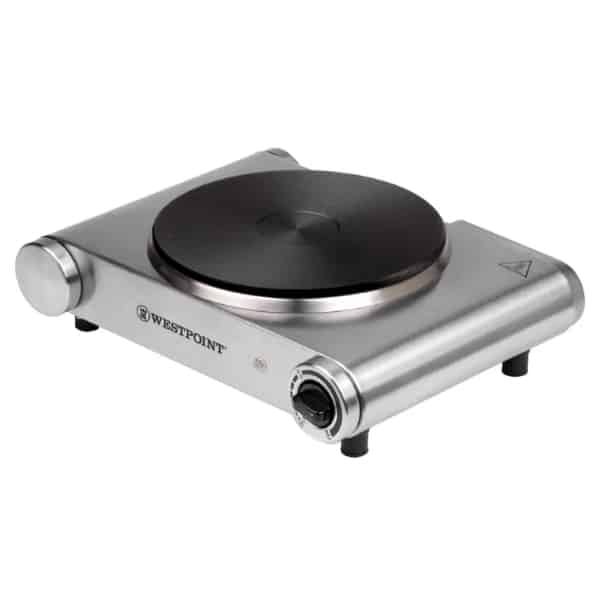 Hot Plate
 Electric Grill
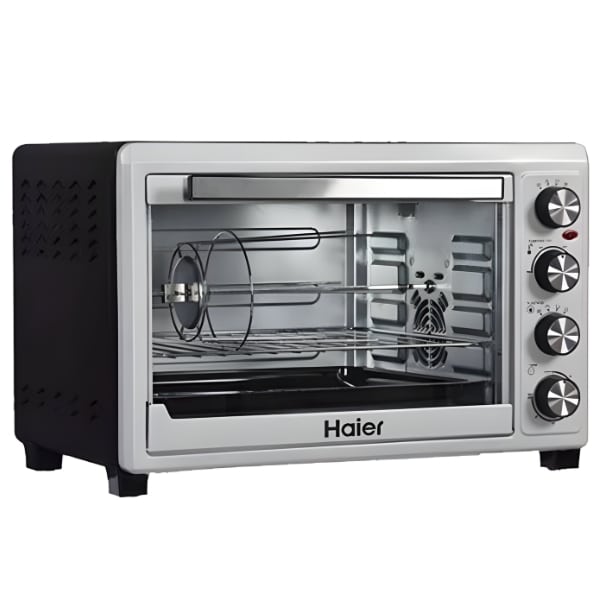 Grill Oven
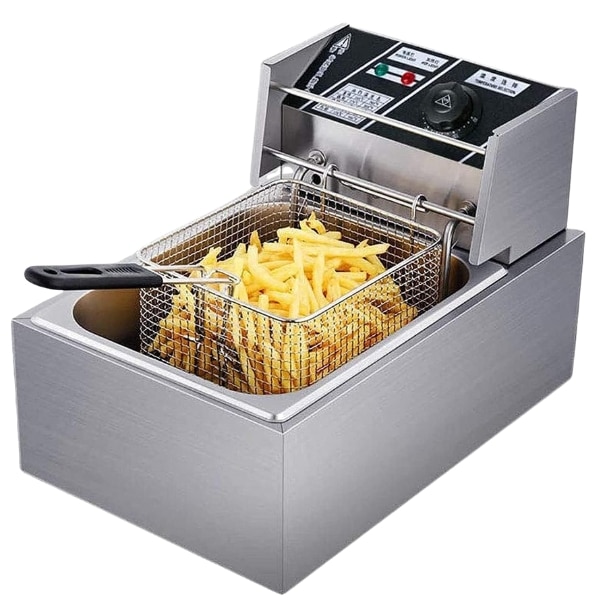 Fryer
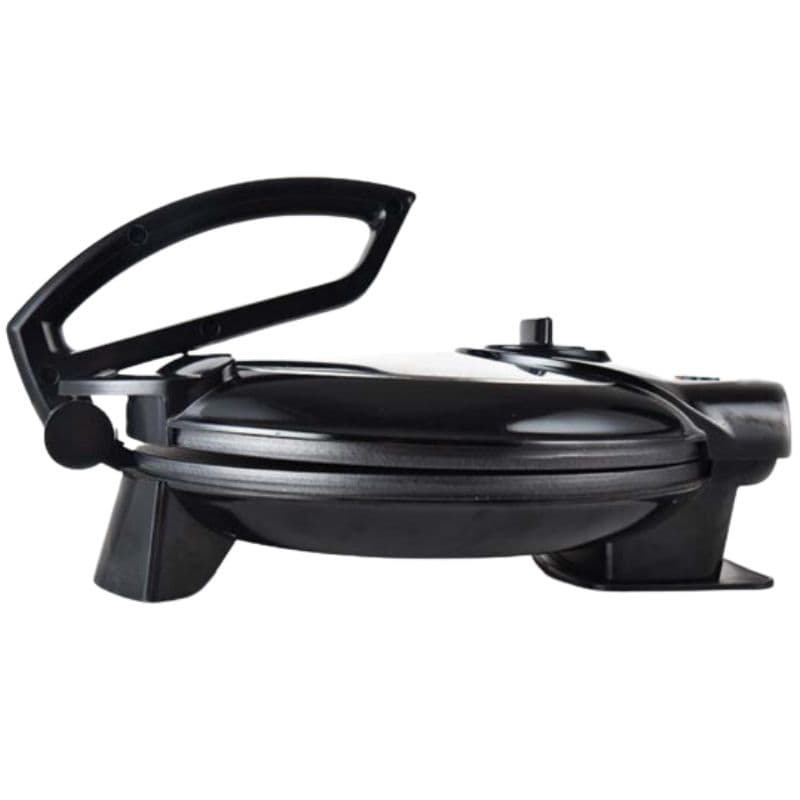 Roti Maker
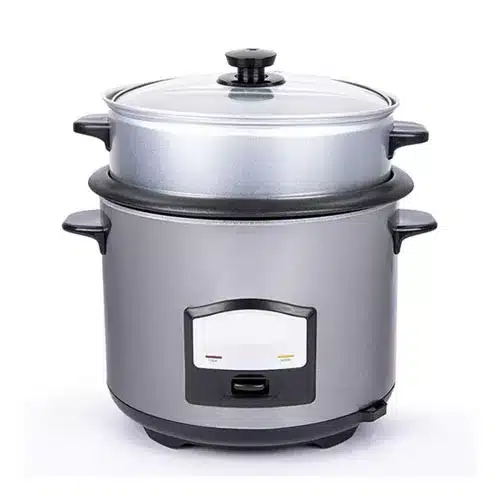 Rice Cooker
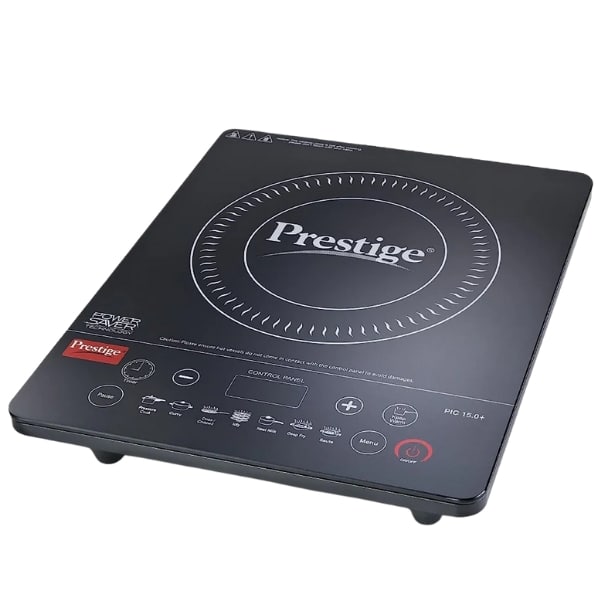 Induction Cooker
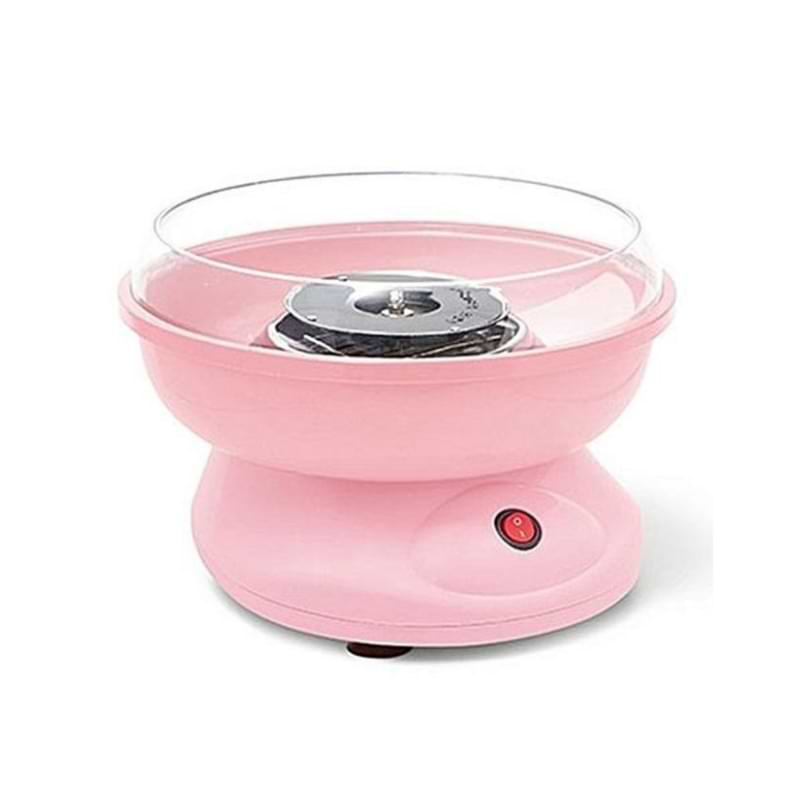 Cotton Candy Machine
 Grinder
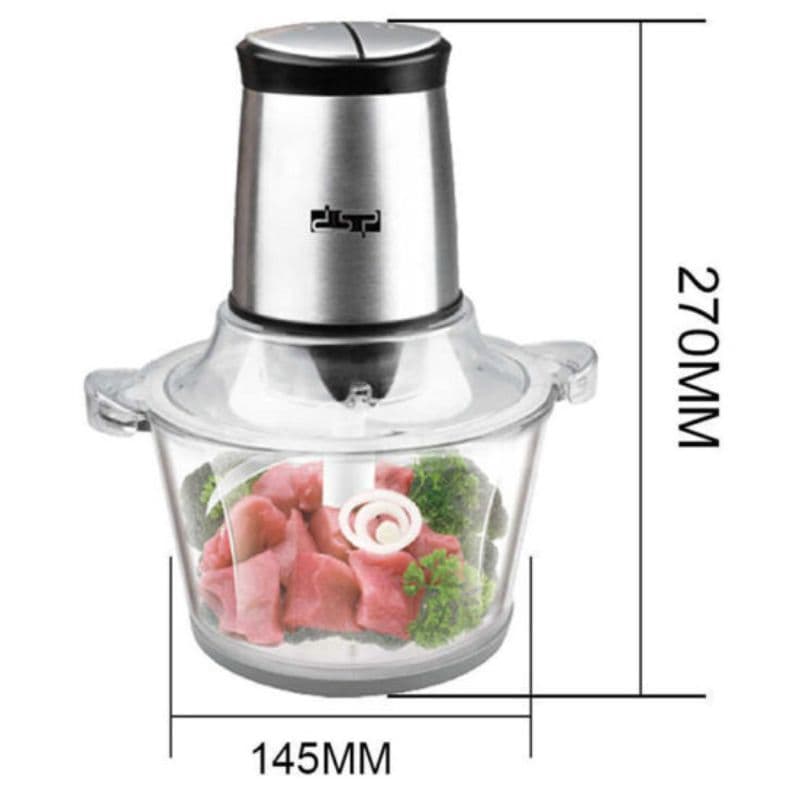 Chopper
 Juicer Machine
 Blender
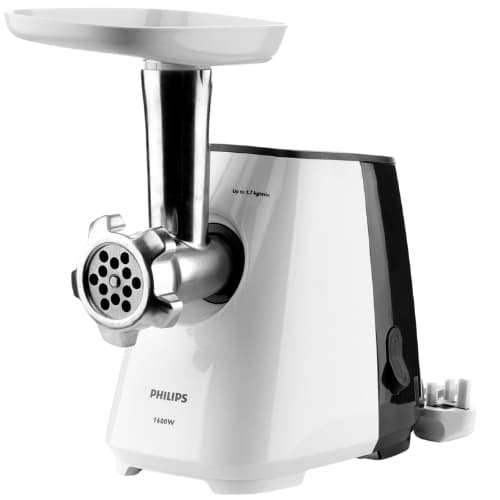 Meat Mincer
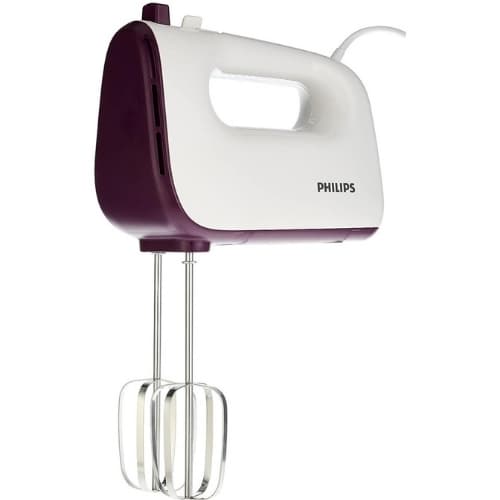 Egg Beater
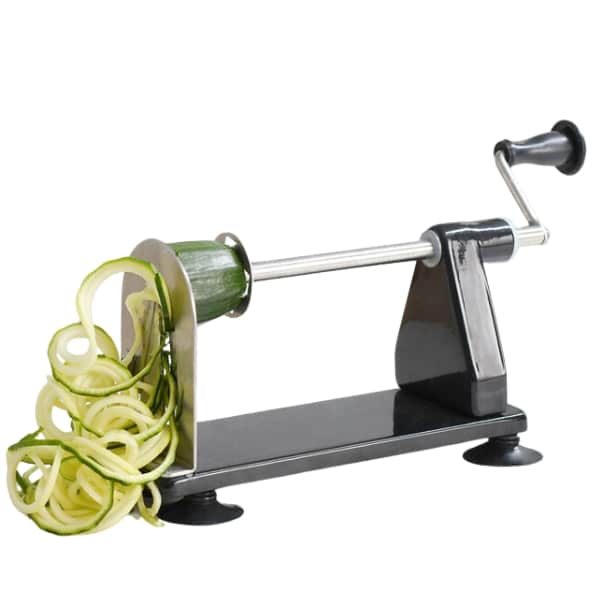 Spiralizer
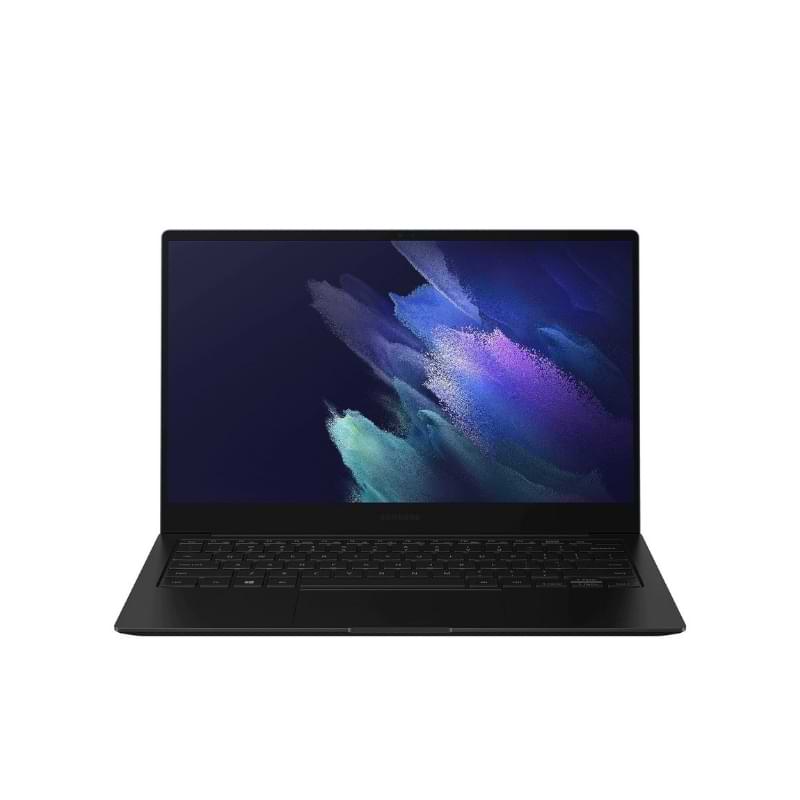 Laptop
 Notebook Laptop
 Tablet PC
 Printer
 Headphone
 Sound System
 Android Mobile
 Apple Mobile
 Earbuds
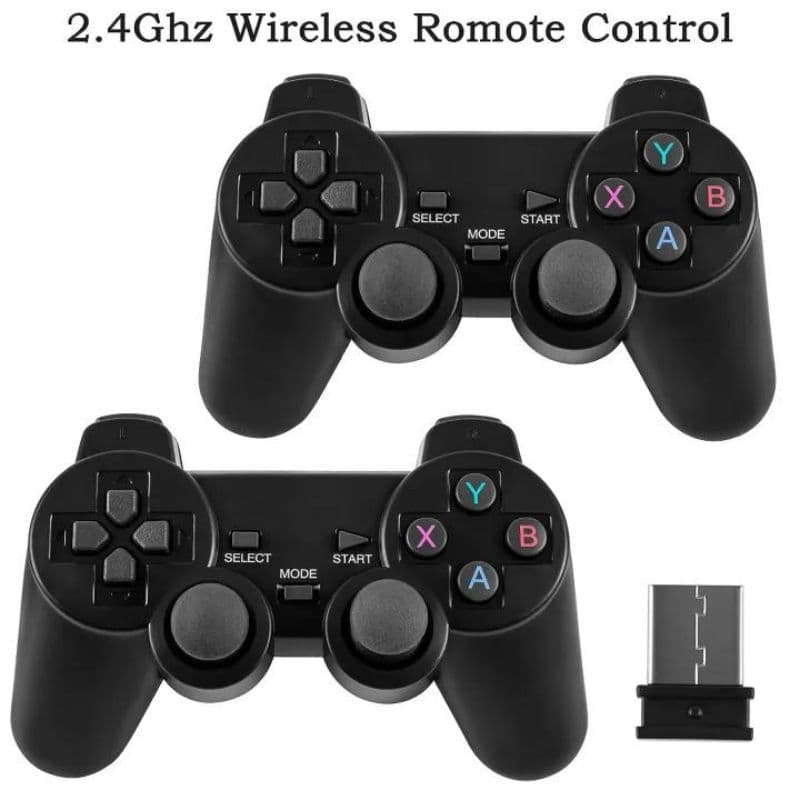 Gaming Console
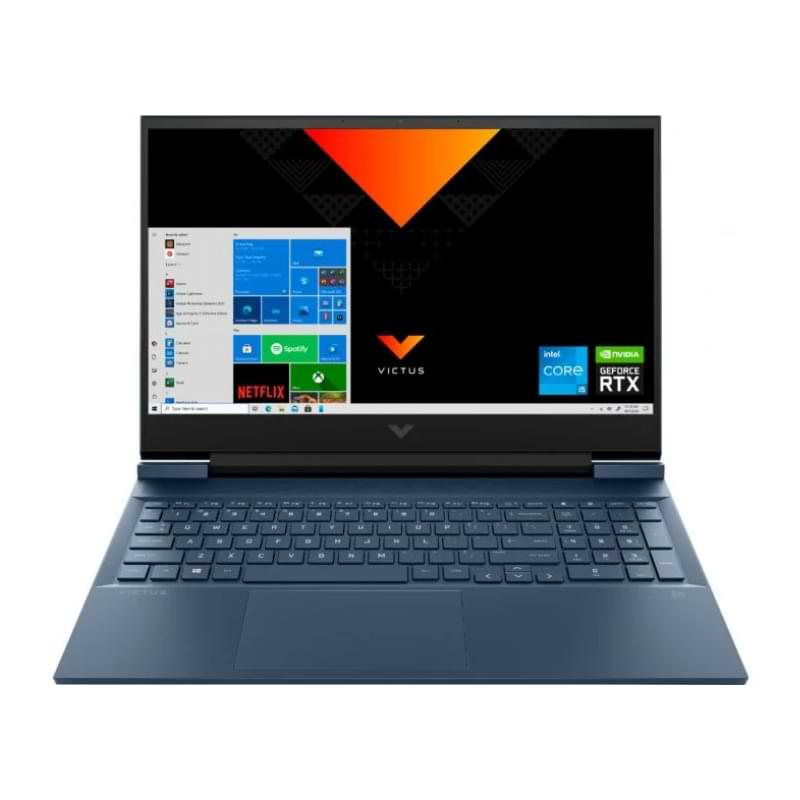 Gaming Laptop
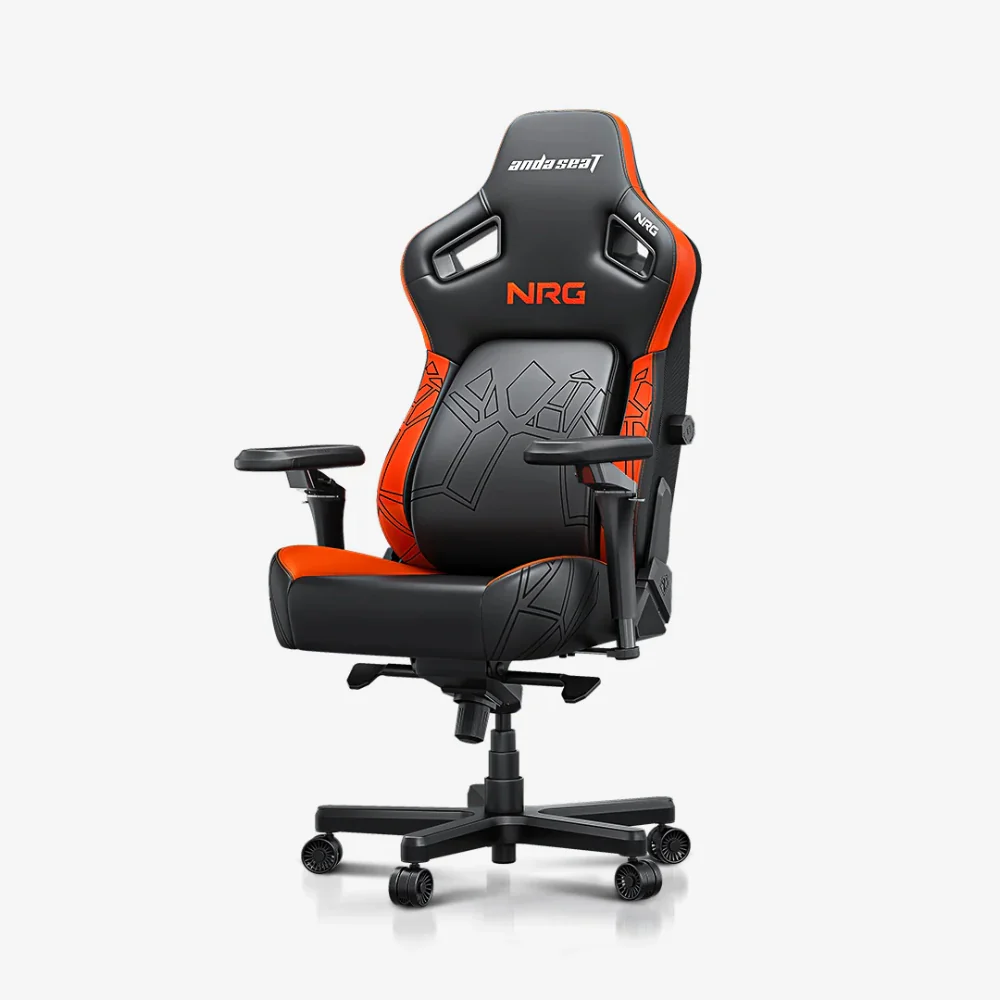 Gaming Chair
 Graphic Card
 Drone Camera
 DSLR Camera
 Digital Camera
 Massager
 Facial Kit
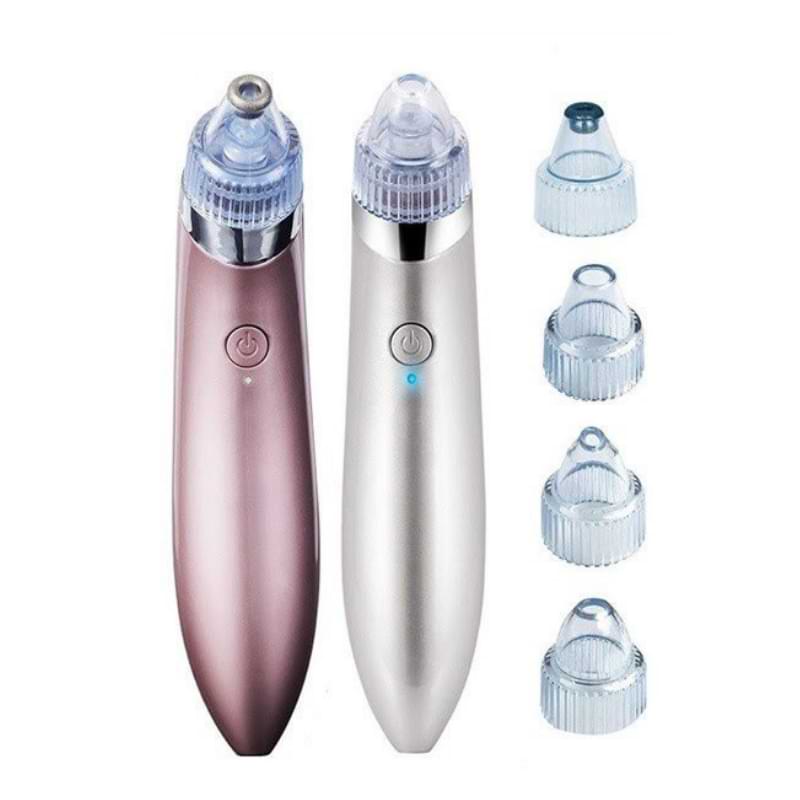 Blackhead Remover
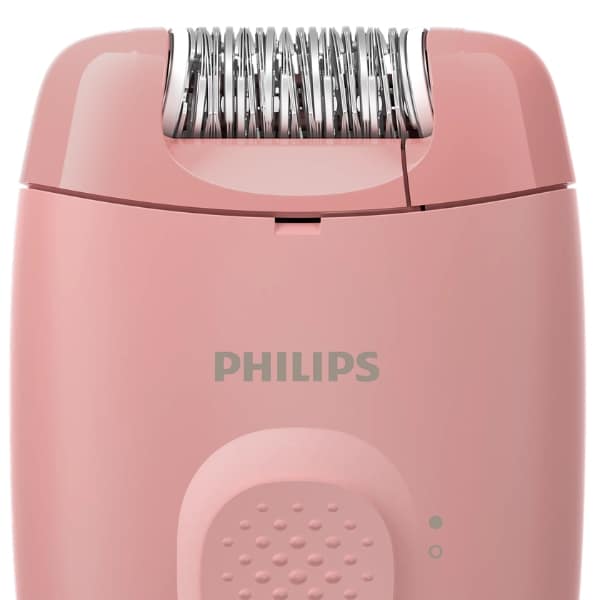 Epilator
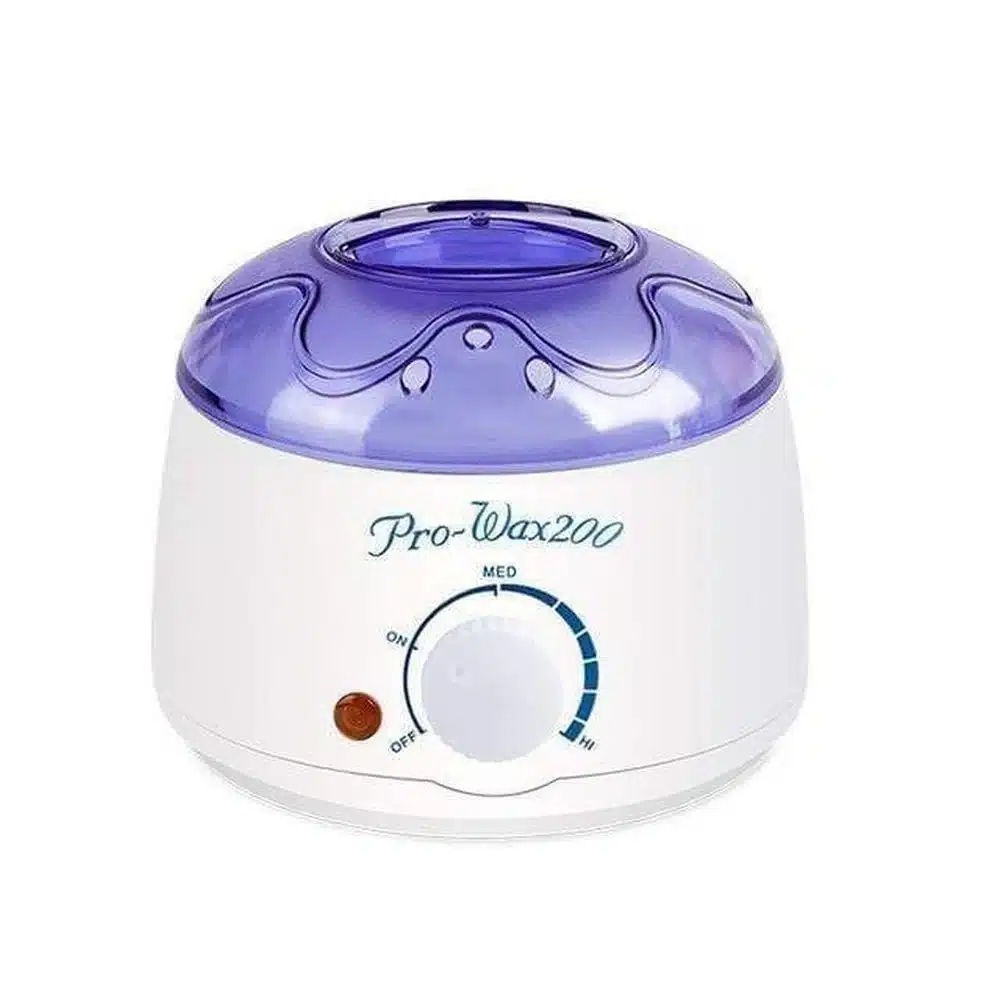 Wax Heater
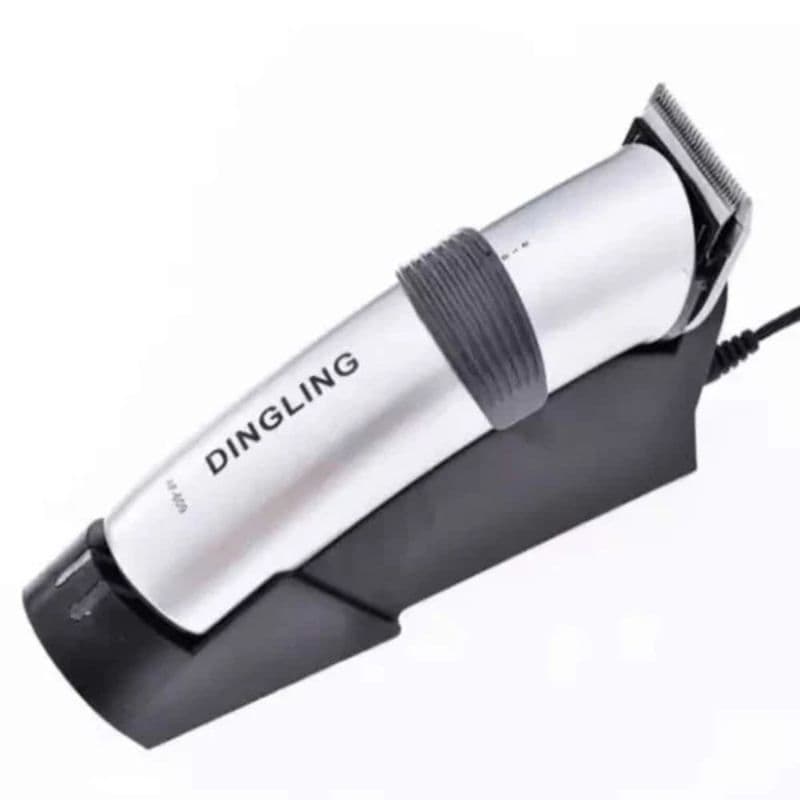 Hair Trimmer
 Hair Straightener
 Hair Curler
 Hair Dryer
 IPL Hair Remover
